Install while you’re connected.
Download Kilobat on your Mac and open it before leaving. Try the diagnostics and find the controls you’ll want on arrival.
Taking your Mac to China
Sort out hotel Wi-Fi, see what your proxy is doing and save hotspot data for the work that matters.
Keep Kilobat in your menu bar as you move between hotel Wi-Fi, the venue and your phone.
If the usual sign-in checks keep failing while other internet probes work, Kilobat offers a one-time alternative check using Xiaomi. If it works, you can remember it for that Wi-Fi.
FreeUse connection diagnostics for a website that won’t load. Inspect your system proxy and VPN, and see each app’s node and rule when your proxy exposes a Clash-compatible API.
FreeMark your hotspot Metered and choose the apps allowed to connect. Set a data budget so a background download doesn’t use the allowance you need for your stay.
ProTest latency and short connection drops before a call or presentation. Run a speed test when you have data to spare; it uses Cloudflare and measures that route.
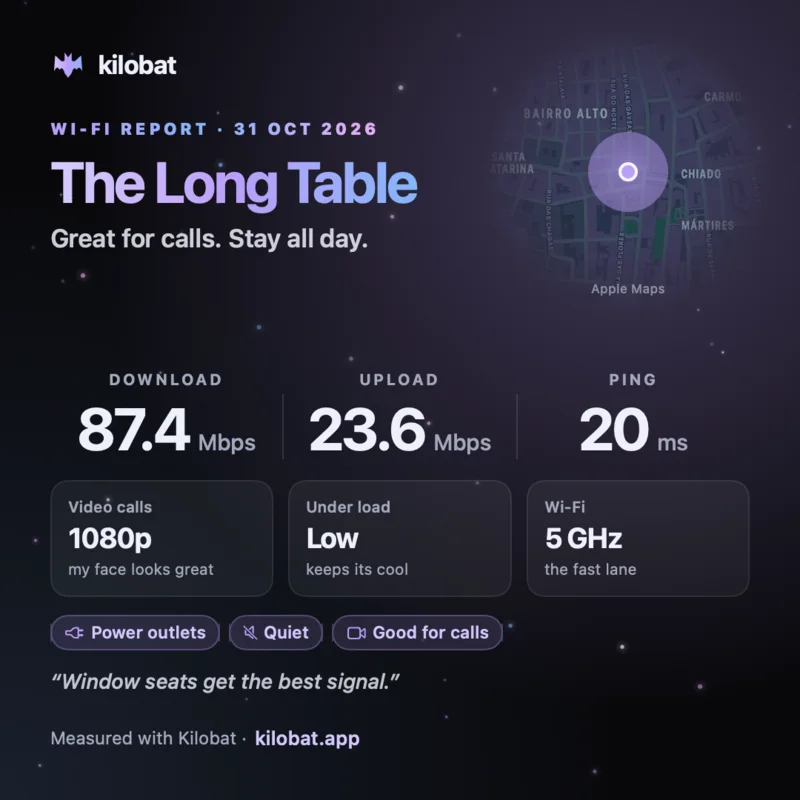
FreeMake a This place card with the café, your measured connection and useful tags. For a troublesome hotel connection, export a report with recorded outages and speed tests instead.
FreeDownload Kilobat on your Mac and open it before leaving. Try the diagnostics and find the controls you’ll want on arrival.
Connect your Mac to your phone at home. With Pro, mark it Metered, choose your allowed apps and set a budget that matches your plan.
Read the China internet guide for local Wi-Fi, roaming and connectivity planning. Arrange any VPN or proxy service separately.
Pro is $29 once for two Macs, with a 7-day free trial and 14-day refunds. Free for students.
No. It helps you understand and manage your Mac’s connection, including an existing proxy or VPN. It does not supply a tunnel or proxy nodes.
The suggestion itself makes no request to Xiaomi. Click Try alternative check to run it once, then choose Use on this network to remember it. You can also enable the China sign-in check in Settings → Network. Xiaomi receives your public IP when its check runs.
Kilobat inspects system proxies and VPN connections. Per-app node and rule information needs a reachable Clash-compatible controller. See proxy support.
Yes. Traffic monitoring, diagnostics and sharing are free. Pro adds blocking, profiles, budgets and history for $29 once, with a 7-day free trial.
brew install seifip/kilobat/kilobat